
Your system controls.
eRotor sounds.
Inputs, protocol, software and installation for the integrator.
eRotor is meant to be controlled from outside — by binary input, RS-232 or radio. Your system detects, decides and communicates; the siren turns the command into sound and reports back.
2 binary inputs
the primary control — a relay contact from a sensor, a safety system or an operator.
RS-232
open two-way protocol: your software sends commands and receives feedback.
CAN bus
standard on every cabinet, with radio, POCSAG, RDS and GSM as options.
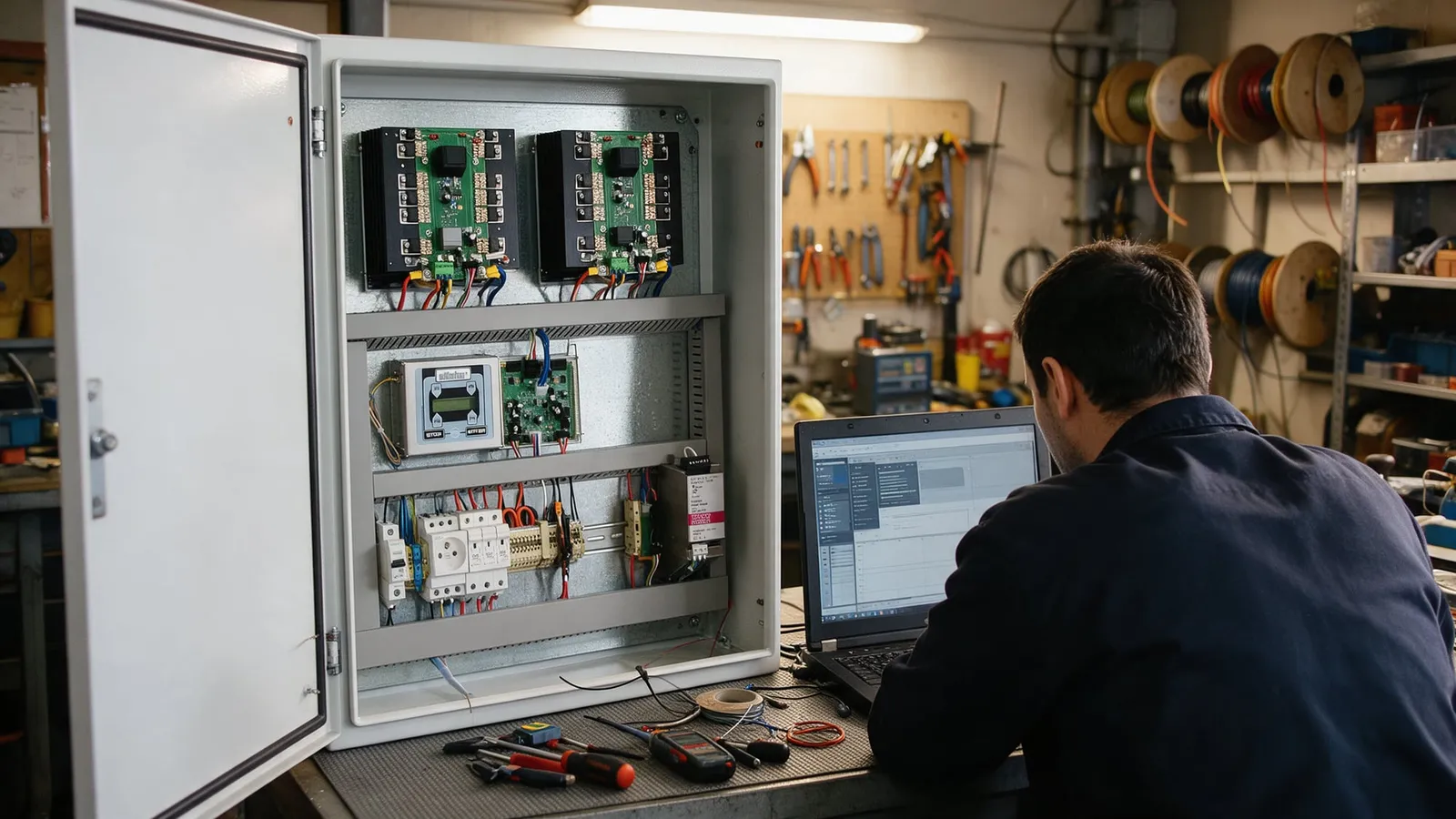
Four steps are yours.
One is the siren.
From detection to warning in five steps. Tausec does not sell control systems, so the architecture around the siren is yours.
- 01
Yours
Sensors or operators
A water-level sensor crosses a threshold, a plant safety system trips, or an operator decides to warn.
- 02
Yours
Control logic
Your software evaluates the event by local rules and decides which sirens sound, when and with which tone.
- 03
Yours
Communication
Your network carries the command: a relay line, a radio modem, or IP through a converter to the RS-232 port.
- 04
Tausec
eRotor
The siren receives the command on one of its inputs, plays the stored tone or voice message and reports its self-test status over RS-232.
- 05
Result
Acoustic warning
115 dB(A) at 30 metres from a 500 W siren; 110 to 121 dB(A) across the five sizes.
Yours
- Control system and triggering logic
- Communication network — radio, relay lines or IP
- Control of many sirens and the dispatch centre
- Installation, local certification and service
Ours
- eRotor sirens and individual modules
- Configuration software (Windows, RS-232)
- Open RS-232 protocol and technical documentation
- Replacement modules, warranty service and know-how
The network of sirens is your layer — you design it for local rules, service it and offer it as your own solution. eRotor is one endpoint in it.
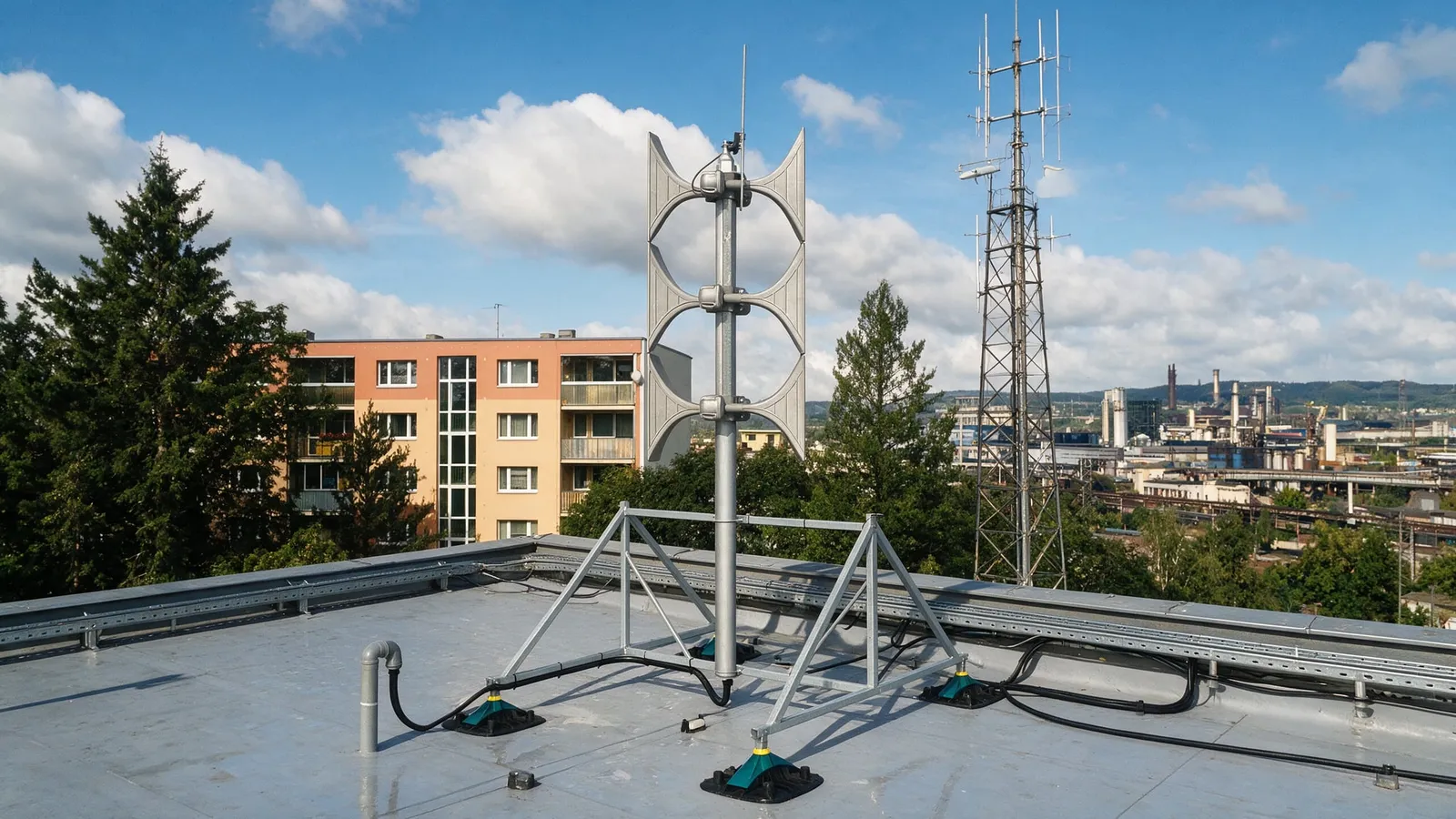
Every way in.
The siren is designed to be as simple as possible. Standard on every eRotor: a keypad with LCD, two binary inputs, RS-232, CAN bus and an AUX voice input. Optional: radio control, POCSAG, RDS and GSM. Which one a project uses is decided by the customer and local law.
Binary inputs — primary control
Two inputs for a relay contact: a water-level sensor, a safety system, an operator’s switch. The simplest way to start the siren, and how most sensor-driven projects do it.
RS-232 — open two-way protocol
For more complex applications. Your control software sends commands and receives feedback about the siren’s function; the protocol can be adjusted to your requirements.
CAN bus
Standard on the cabinet for bus-based control.
AUX voice input
Live or external audio into the control unit, next to the stored tones and voice messages.
Radio control via modem
A radio modem in the cabinet receives the command over your radio network.
POCSAG and RDS
Optional paging and radio-data receivers for networks that already use them.
GSM
Optional GSM module for triggering over the mobile network.
IP via converter
Not built in. An IP-to-RS-232 converter module puts the siren on your IP network without changing its electronics.
Keypad with LCD — backup
On the motherboard, for manual start, stop and tests on site by trained personnel.
The protocol is open
The RS-232 protocol is documented and can be adjusted to the specific requirements of your project, so your system can start the siren and read its status.
One siren at a time
Tausec software controls one siren. Controlling many sirens — the network, the dispatch centre, the logic — is yours to design, and that is deliberate.
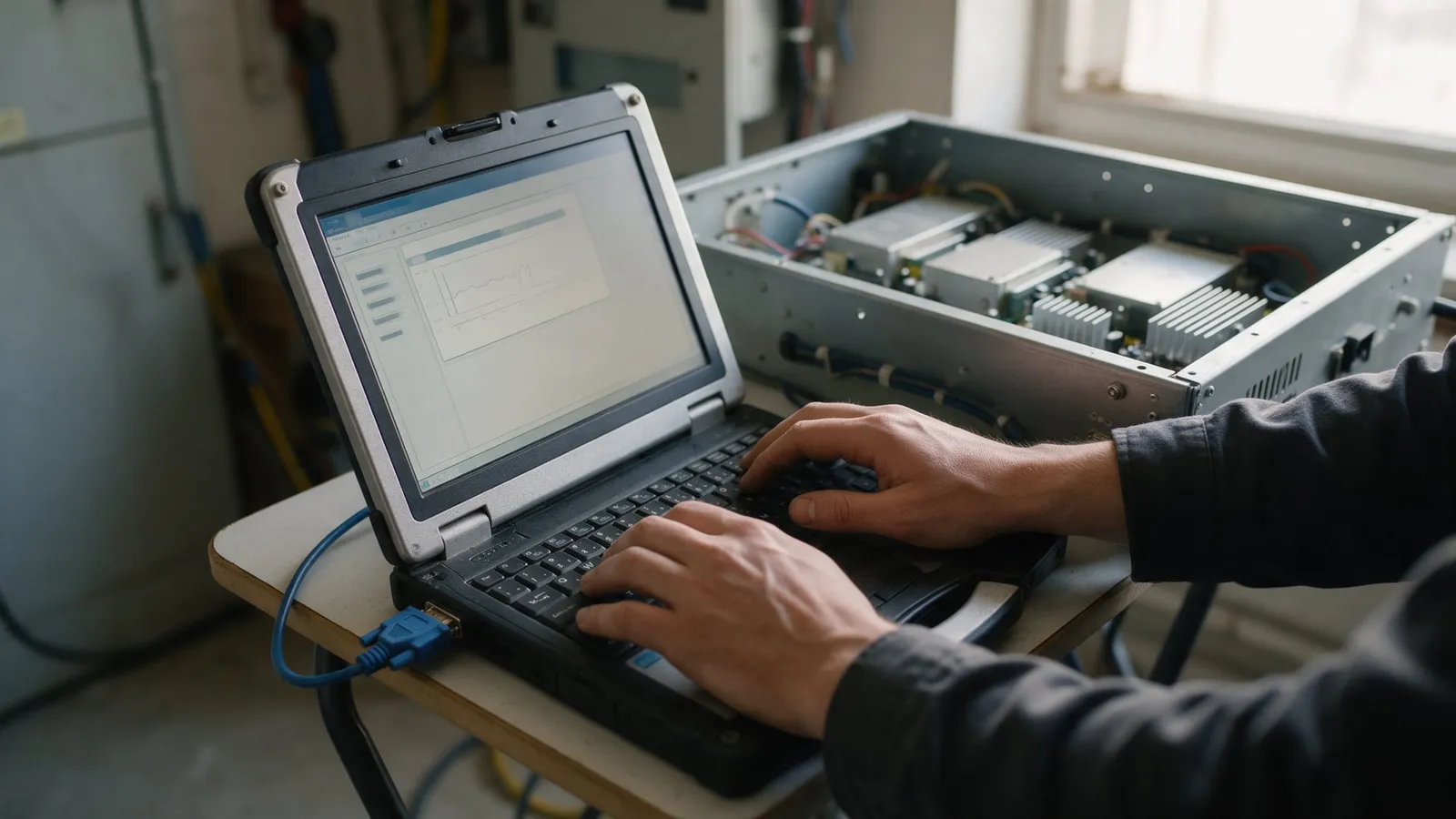
One Windows tool,
one serial cable.
Tausec’s own configuration software connects to a siren over RS-232. It is how a partner prepares a siren before it goes on the mast and how a technician checks it during service.
Upload tones and voice messages
Customisable alarm tones and recorded messages go to the MMC memory card in the control unit.
Calibrate
Set the siren up for its site before the first alarm.
Run the self-test
Battery voltage, amplifier status, driver status and door sensor, with the results on screen.
Control over RS-232
Start, stop and test the siren from the laptop; the same commands your control system uses.
Self-test as feedback
The control unit runs the self-test with preset parameters — battery voltage, amplifier status, driver status, door sensor — and reports its status to the control unit of your system over RS-232, so a fault is known before an alarm, not during one.
From a prepared site to the first self-test.
Installation is done by the local partner. When the mast and power are ready, it typically takes one working day; the cabinet has a service power plug for the technician on site.
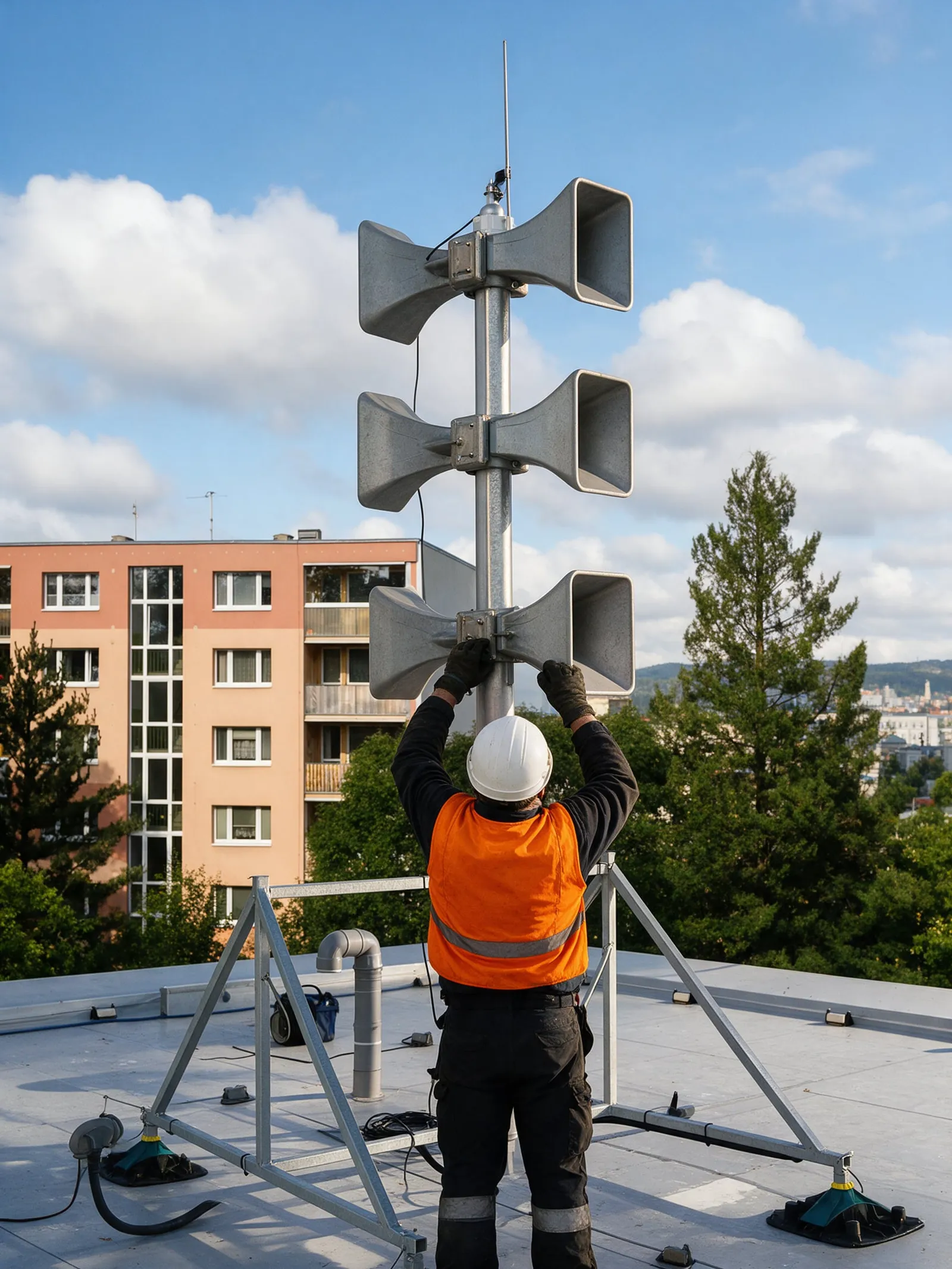
A few hours
Cabinet on the wall
The cabinet goes indoors or in a protected enclosure; mounting and cabling to the horns take a few hours.
114 mm
Horns on the mast
The horns bolt to a 114 mm steel mast tube prepared by the customer, usually on a roof.
230 / 115 V AC
Cabling and control line
Mains or solar for charging the batteries, and the control line — relay contact, radio modem or RS-232.
≈1 day
Configure and self-test
Tones and settings uploaded over RS-232 with the Windows software, self-test run, siren handed over to your control system.
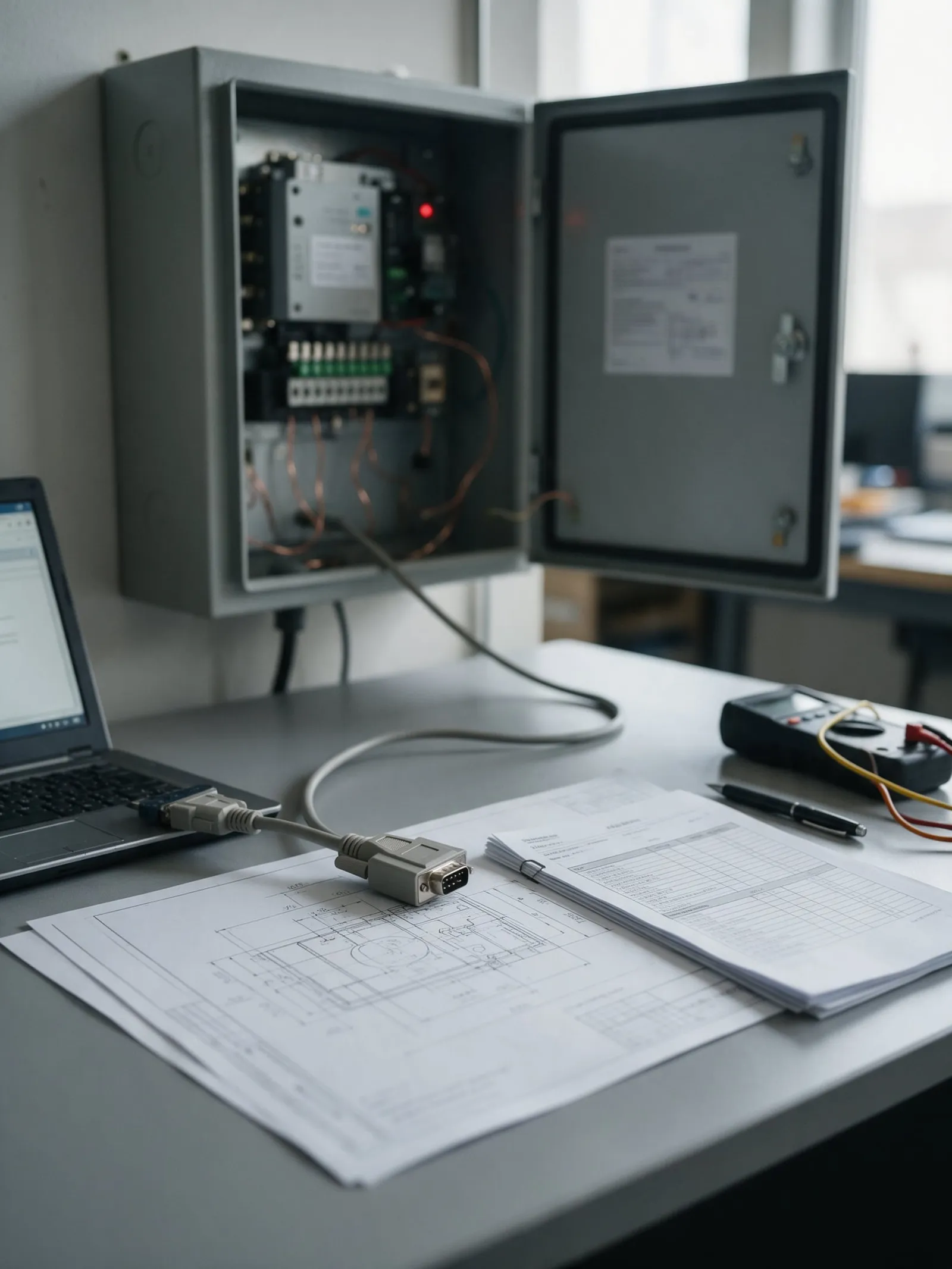
Documentation, support
and custom modules.
A partner integrating eRotor gets the material to do it alone, technical support from the engineers who designed the siren — and a new module when a project needs something that does not exist yet.
2 PDF
Technical information
Datasheet and acoustic report, plus the open RS-232 protocol description for your software team.
Step by step
Installation instructions
Mounting the cabinet, fixing the horns to the mast, wiring, configuration and the first self-test.
Windows
Configuration software
The tool described above, for preparing and servicing sirens.
2024
Custom modules
When a project needs a new part, Tausec develops it — in 2024 a module for semi-automated measurement and triggering of sirens for a customer.
Questions about
integration.
Is a control centre or network software included?
No. Tausec sells sirens and modules, not control systems. The configuration software works with one siren at a time over RS-232; the dispatch centre and the control of many sirens are part of your system.
Can the siren be controlled over IP?
Not directly — the cabinet has two binary inputs, RS-232 and CAN bus, with radio control, POCSAG, RDS and GSM as options. For IP you add a converter module between your network and the RS-232 port; the siren electronics stay unchanged.
Is the RS-232 protocol documented?
Yes, and it is open: it can be adjusted to the requirements of your project. The link is two-way — your system sends commands and receives feedback about the siren’s function. Ask for the description together with your project details.
How do I control many sirens at once?
From your own control system. Each eRotor is one endpoint with its own inputs; which sirens sound, when and with which tone is decided by your logic and carried by your network — radio, relay lines or IP via converter.
Which input do most projects use?
The binary input — a relay contact from a sensor, a safety system or an operator’s switch. The datasheet calls it the primary control; RS-232 is for more complex applications, and the keypad with LCD is the backup for trained personnel.
Can water-level sensors trigger the siren directly?
Yes, through the binary input. That is how the ≈250 sirens of the flood-warning project in Malaysia are triggered; the sensor logic and thresholds belong to the partner’s system.
Who installs the siren, and how long does it take?
The local partner. The cabinet goes on a wall and the horns on a 114 mm steel mast prepared by the customer, usually on a roof; cabling, configuration and the self-test follow. Typically one working day when the site is ready.
What documentation do partners get?
Technical information, installation instructions, the Windows configuration software and technical support from the engineers who designed the siren. A new partner also receives the price list for modules and complete sirens.

Connect eRotor to your system.
Tell us how you plan to trigger the sirens and which network you run. We reply with the interface details and the protocol description.